Skip to content

Coming soon to iOS and Android

Your clients' looks,
remembered.

Six weeks after the trial, your bride asks for "the same blush as last time". You'll know which one it was, which shade, and exactly where it went.

Free to start. No card, no trial countdown.

The Artist Archive home screen, showing the next big day with a countdown and the clients coming up.
The trialEvery product and shade you reached for, with photos of the finished look.
The countdownEach client's date, counting down, so you know what is coming up and when.
The morningWho's in the chair at 8:30, and what they asked for.

Clients

Never lose track of a big day

A season of weddings starts to blur. Every client keeps their own date, brief and notes, and the next one sits in order, counting down.

  • The brief, the notes, the allergies, the skin and hair details, all in one place
  • Where they're getting ready and what time you start, there the morning you need it
  • Drop the big day and every appointment straight into your phone's calendar
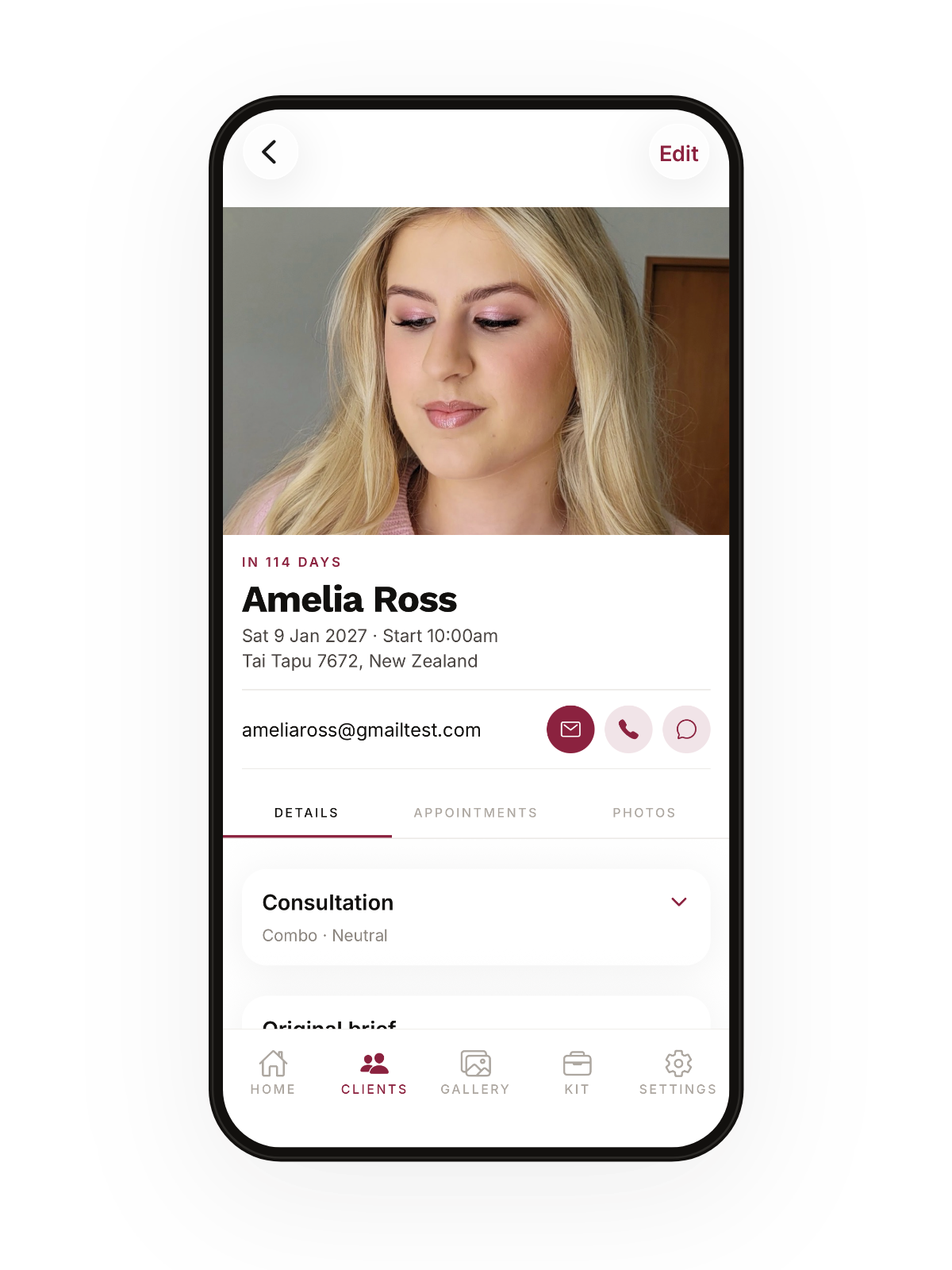
A client page in Artist Archive, with a photo, the wedding date and a countdown.

Appointments

Every trial, ready to recreate

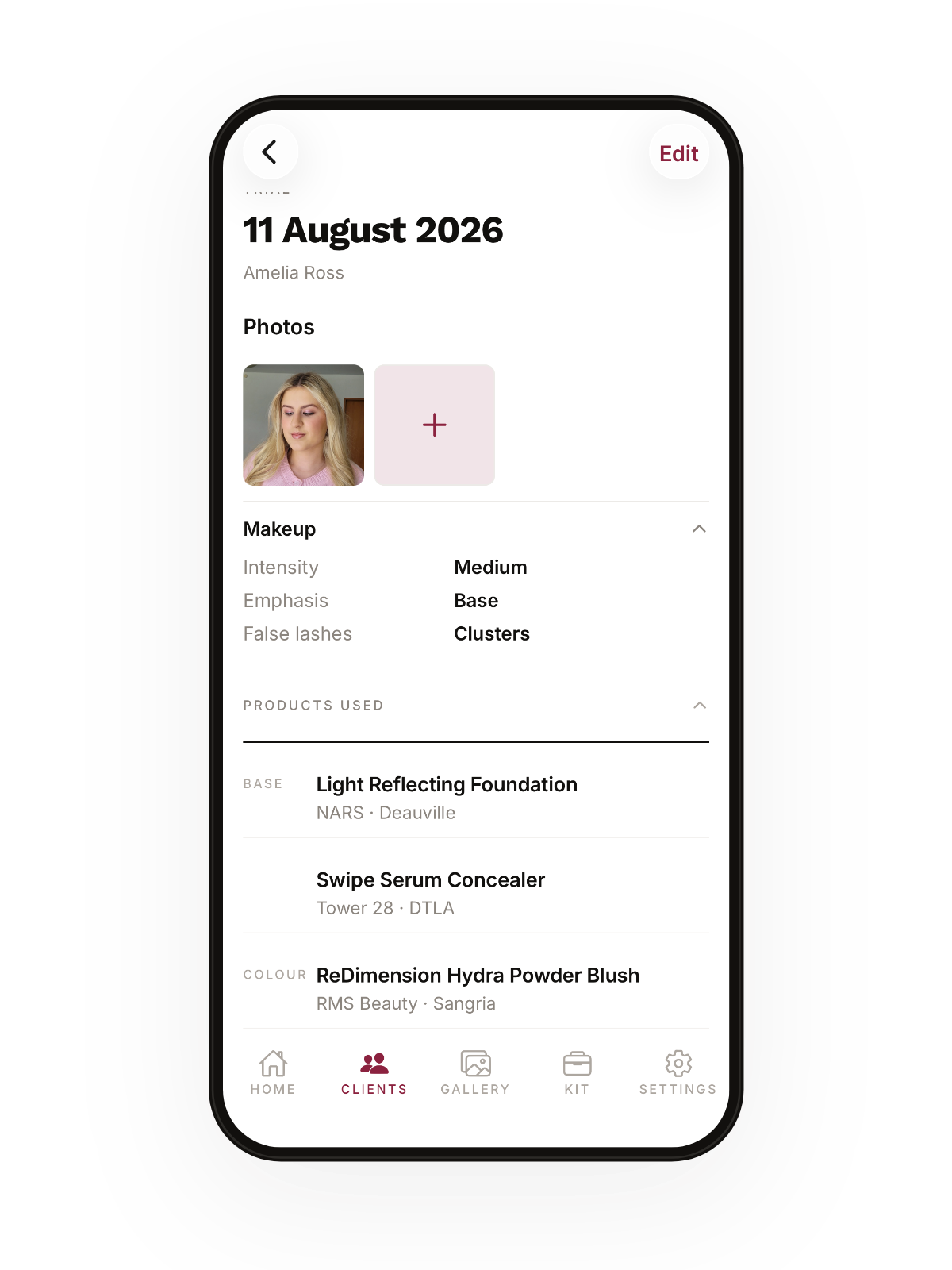
You already do the hard part at the trial. This is what saves you having to remember it months later. Every product, every shade, and photos of the finished look.

  • Tick products off your own kit instead of typing them out again
  • Shades ordered the way you read them, so 2 comes before 10
  • A face chart for where everything actually went
An appointment in Artist Archive, showing the photos, the makeup choices and the products used.

The day sheet

The morning, hour by hour

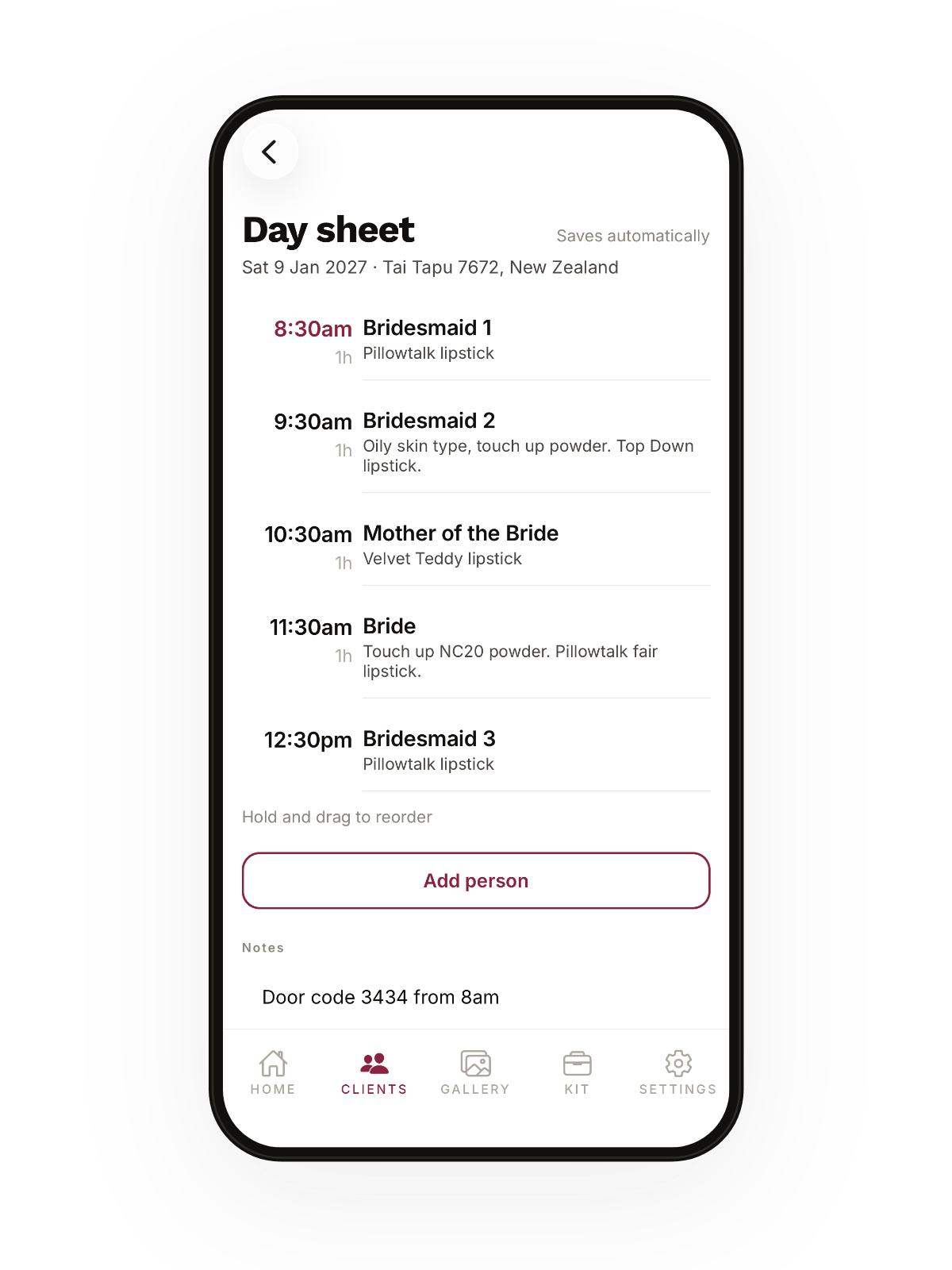
Bride at 11:30, three bridesmaids before that, and the mother of the bride who booked late. Add everyone and the times work themselves out. Drag to reorder when the morning changes, because it usually does.

  • The things you only find out once: the door code, where to park, who needs a bit longer
  • It saves as you type, because nobody is tapping Save at 7am
  • Send it out as a PDF, free, always
A wedding-day sheet listing each person by time with notes beside them.

Check a date

Answer an enquiry in seconds

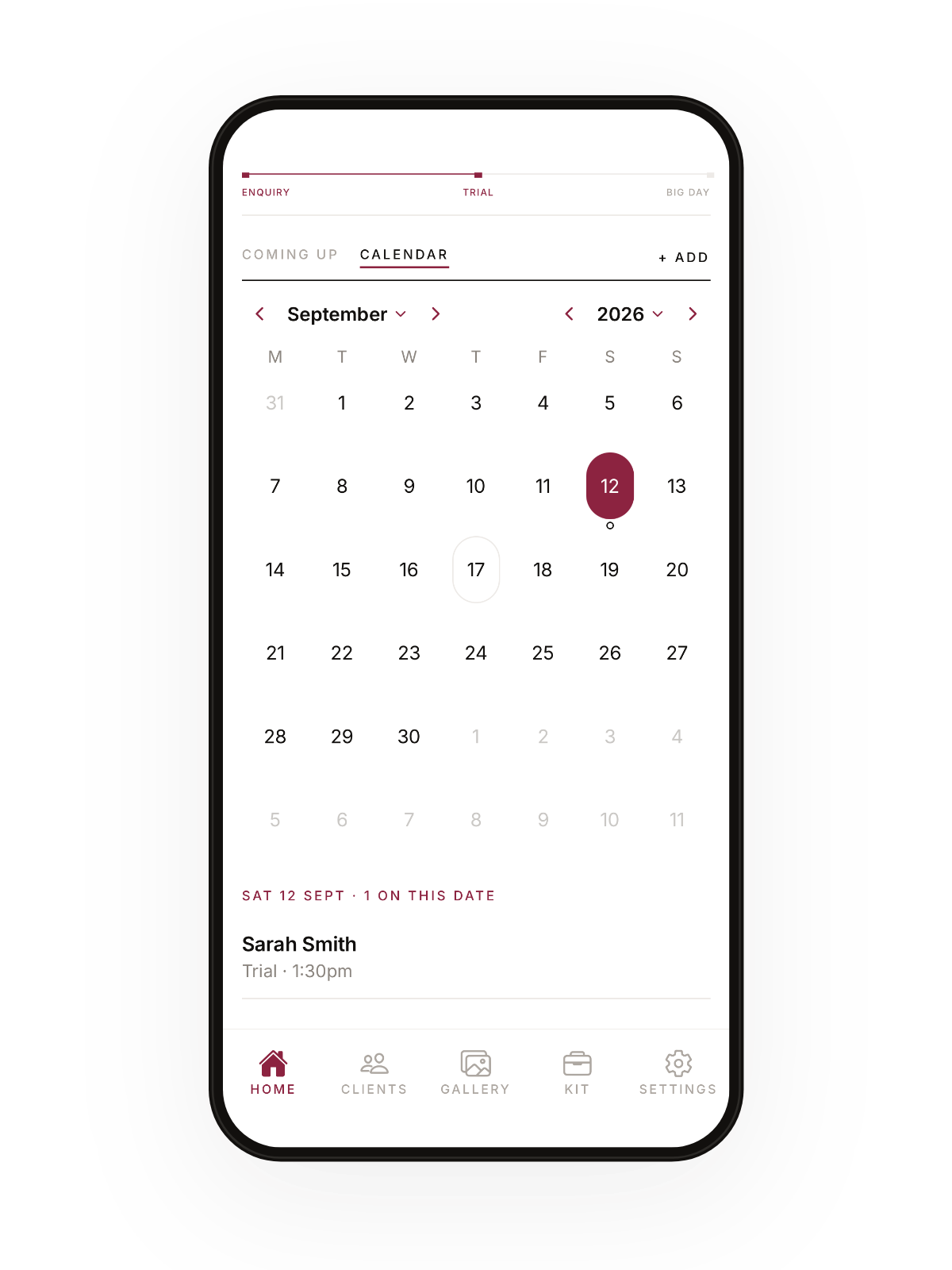
"Are you free on the 14th?" Open the month, look for a mark, and answer. That is the whole thing.

  • Trials and big days marked on the same month
  • Tap a day to see who's already in it
A month calendar in Artist Archive with marks on the booked days.

Your kit

Log what you used in a tap

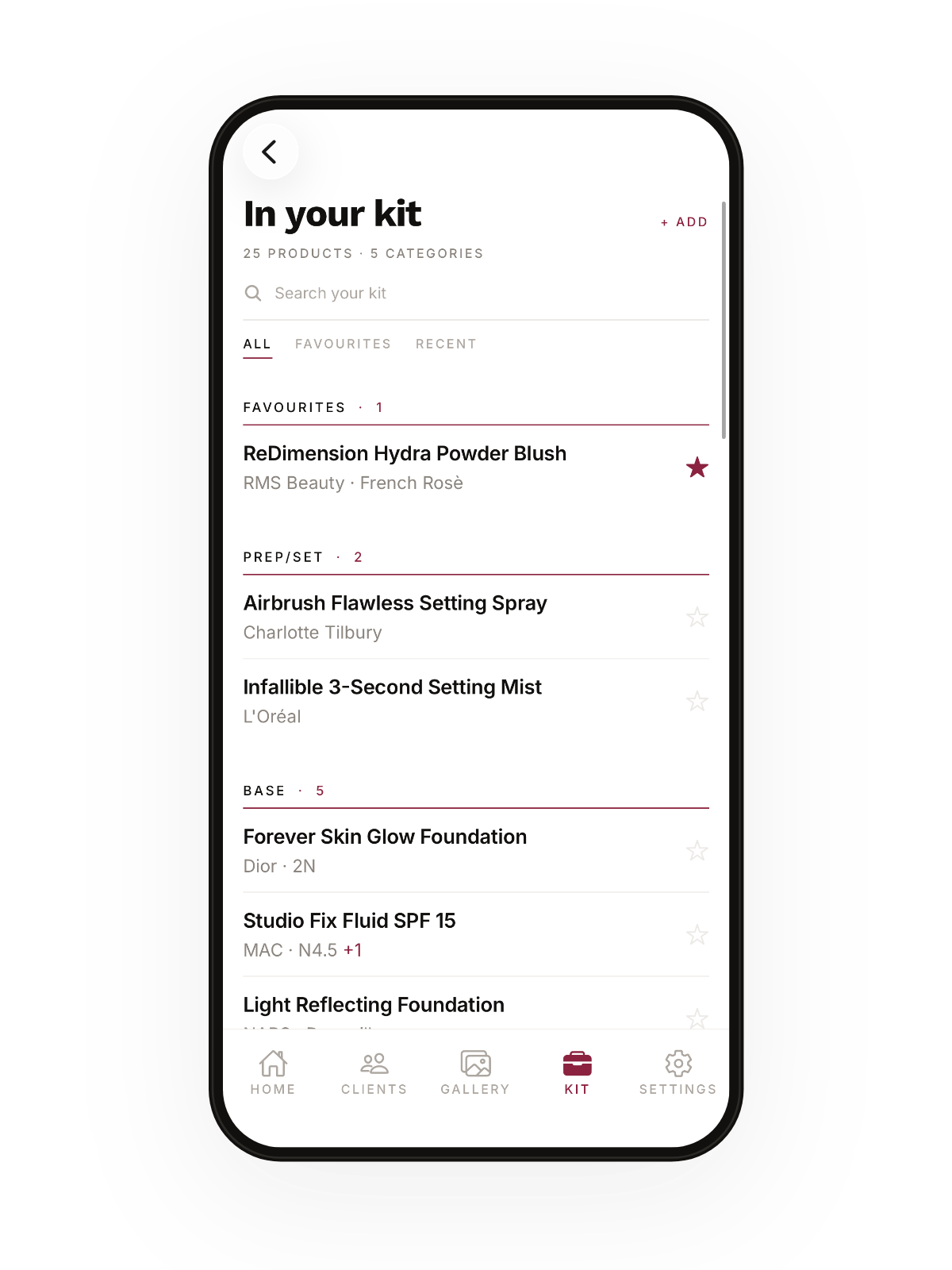
Build it once from a catalogue that already has the brands you carry. Star your go-tos, and logging a look is just tapping down a list you know.

  • Thousands of real products and shades, so you're picking, not typing
  • Add your own, and it starts finishing your brand names for you
  • A wishlist for the things you've got your eye on
The In your kit screen, listing products by category with favourites starred.

Gallery

All your work, in one place

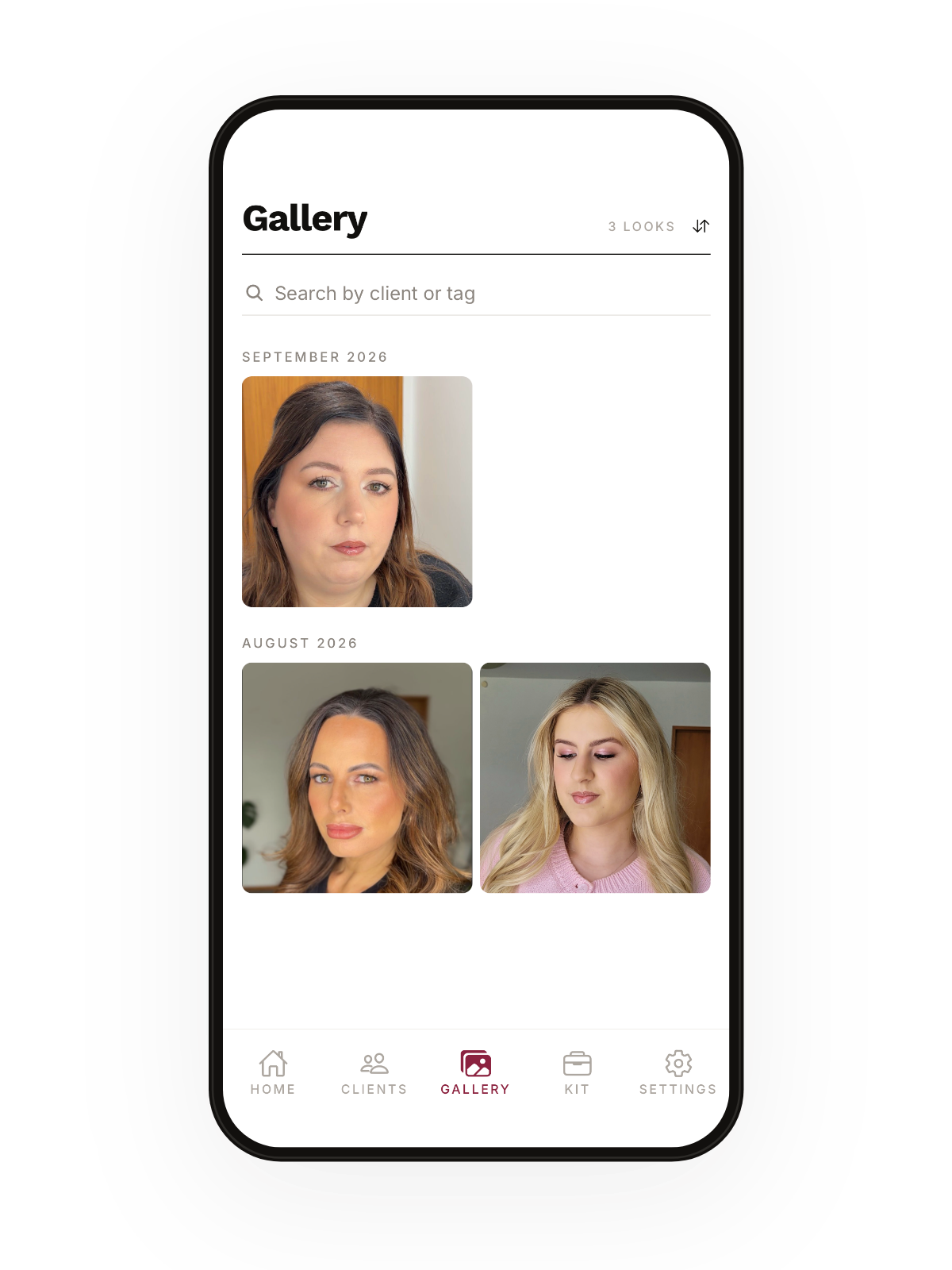
Every look you've ever done, gathered up as you add photos to appointments. Your portfolio builds itself while you get on with the work.

  • Search it by client or by tag
  • Grouped by month, newest first
  • They're your photos. Download them whenever you want them
The gallery in Artist Archive showing finished looks grouped by month.

The community

Ask the artists who have been there

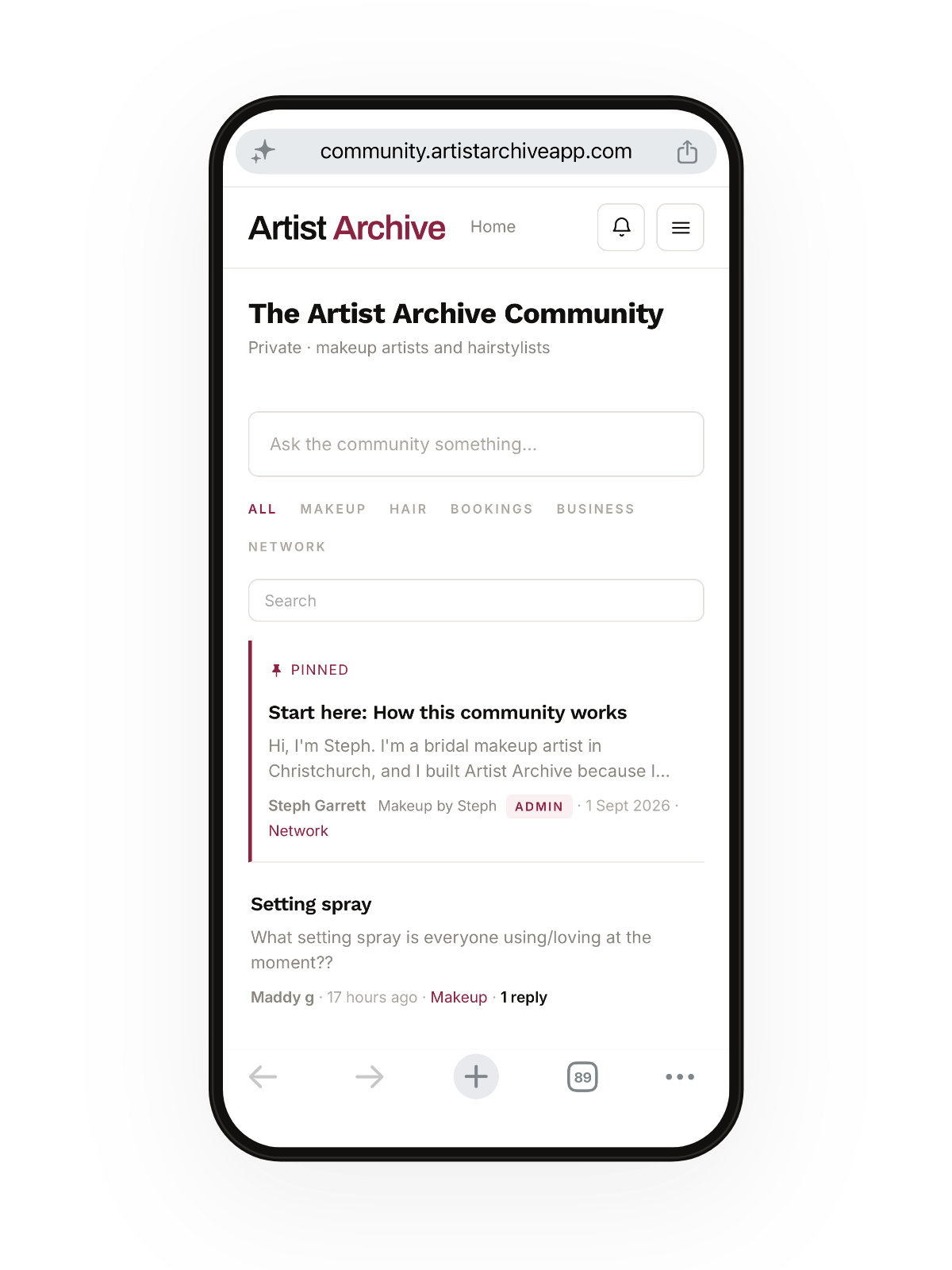
What to charge. What to carry. What to say to the enquiry that wants your day for half your rate. And which setting spray actually survives a nor'wester. Private, and only for makeup artists and hairstylists.

Look inside

The Artist Archive community board, showing threads from other artists.
Steph Garrett, the bridal makeup artist who built Artist Archive.

Why it exists

"I'm a bridal makeup artist in Christchurch, New Zealand and I built Artist Archive because I needed it. I was over scrolling through months of photos, trying to find the email with feedback and remembering what we did, so I made a solution"
Steph Garrett · @makeupbystephnz

Pricing

Free to start, properly

Ten clients, comprehensive trial tracking, the day sheet and more for as long as you want them. Premium is there for when the diary gets busier or you want to step up your business.

Free

Everything you need to start

  • Up to 10 clients
  • The wedding-day sheet
  • PDF export
  • Your kit, wishlist and gallery
  • Calendar sync and reminders

Premium

When the diary fills up

  • Unlimited clients and appointments
  • More photos on every look and product
  • Deposits and balances on each client
  • Restock, packing lists and renewals
  • Your own email templates

Questions

The things people ask

Is it only for bridal?

It grew from bridal because that is what I was doing when I came up with this solution. However, anything with a trial, appointments, a date and a face works the same way, and a lot of it is simply a good record of what you used on somebody.

Does it do bookings and payments?

No, and that is on purpose. There are already apps for taking bookings and money. This is the part nobody built: what you did, what you used, and what they asked for.

Is it for hairstylists too?

Yes. The consultation records hair as well as makeup, and you tell it which you do or if you do both.

What happens to my photos?

They stay yours. Nobody else can see your clients or their photos, and you can download or delete them whenever you like. The privacy policy explains exactly what is stored and where.

Does it work without signal?

Yes. Everything saves to your phone first and syncs when you are back on a connection.

Artist Archive

Be first to streamline your trials

Leave your email and you will hear the moment it opens.